

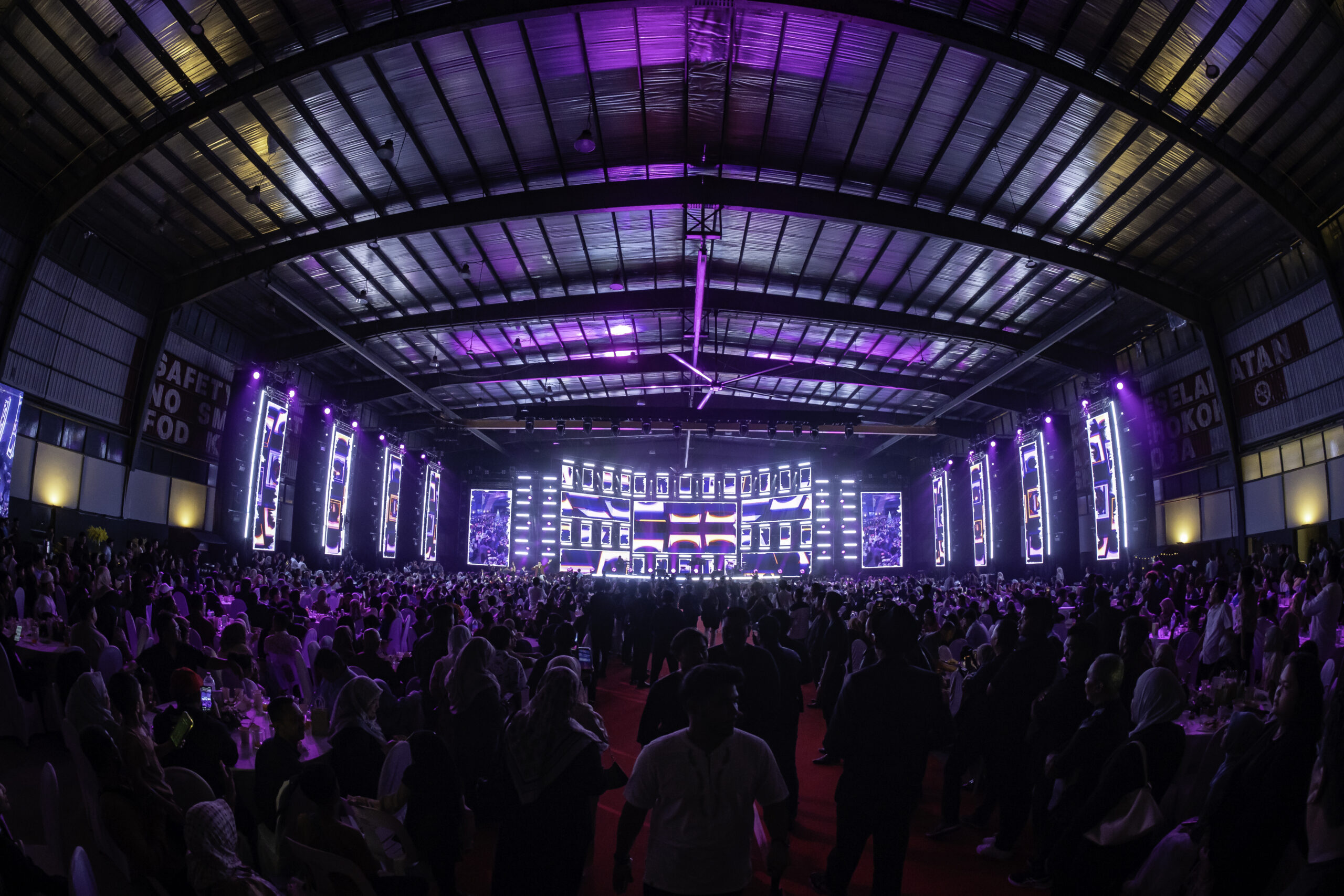
Imagine the performer is about to walk on stage, and the audience is waiting. The opening video starts, but then the screen suddenly goes black or maybe even the host lifts the microphone, and nothing comes out. For the audience, it feels like a surprise. For a professional event team, it’s exactly the kind of scenario that should have been discussed long before the doors opened. Whether you’re producing a concert, launching a product or hosting a high-profile corporate event, event backup planning (redundancy) is what helps a small technical problem stay small.
What Redundancy Actually Means
- Spares: extra items kept on hand, such as batteries, cables and microphones.
- Duplicates: a second system running at the same time or on standby, such as a backup mixing console or a second video source.
- Fallback plans: a prepared way to carry on if something cannot be fixed quickly, such as a reduced programme or a manual workaround.
Not everything needs a duplicate. The aim is to find the points where a single failure would stop the show, and protect those first.
Find Your Single Points of Failure
Walk through the event from start to finish and ask, for each critical element, “what happens if this stops working?” Anything that would stop the programme, endanger people or embarrass the client is a single point of failure. Typical examples include main power, the audio console, the media server feeding the screens, the wireless microphones used by speakers, and the one person who knows how to operate the show.
Equipment Redundancies by System
| System | Typical single point of failure | Sensible backup |
|---|---|---|
| Power | Main generator or one distribution line | Standby generator or spare capacity on site, UPS for show control and key audio, separate circuits for audio, lighting and video |
| Audio | Console, main amplifiers, wireless microphones | Spare microphones and batteries, backup playback device, spare amplifier or speaker, console settings saved and ready to reload |
| LED and video | Media server, signal path, screen processor | Backup media server or playback source, second signal path where possible, spare cables, spare LED panels and processor |
| Lighting and show control | Lighting console, data lines | Backup console or saved show file, spare data cables and dimmer or power distribution spares |
| Communications | Crew radios and intercom | Spare radios and batteries, a charging station, clear backup channel |
| Content | Presentation, video and music files | Multiple copies on separate devices, tested on the actual playback system, plus a printed or offline copy of the running order |
Power: The Redundancy Everything Depends On
Audio, lighting and screens all stop if power fails. Plan power before anything else. Calculate the full load, keep audio on a separate supply from lighting and screens where possible, and protect the most critical systems with a UPS so that a short interruption does not reset your show. For outdoor events, weather adds another layer of risk, which we cover in our guide to planning outdoor events in the monsoon season.
Audio Backup
Audio is where audiences notice failure fastest. Keep spare wireless microphones tuned and ready, with fresh batteries changed on a schedule. Have a wired microphone available for emergencies, a second playback device for music and a backup plan if a speaker or amplifier fails. Understanding how the system was sized in the first place helps you judge what to hold in reserve; see our guide to sizing a PA sound system.
LED Screen and Video Backup
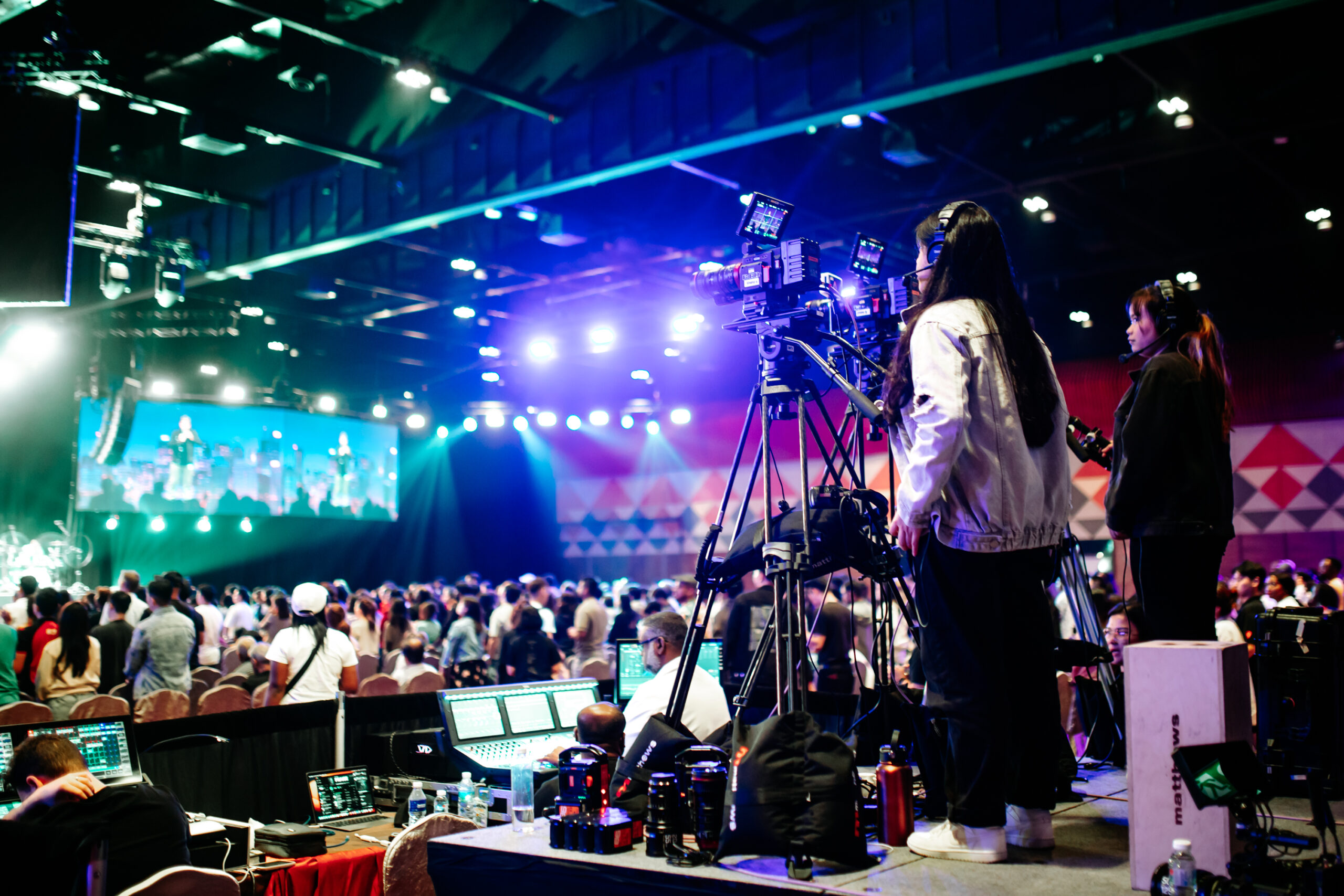
Screens are often the centrepiece of a launch, concert or gala, so a blank wall is highly visible. Ask your LED screen rental provider about spare panels, a spare processor, backup playback and how quickly a faulty module can be swapped. Test all content on the same system that will be used on the day, and keep a copy of every file on a separate device.
Crew Redundancy: People Fail Too
Equipment is only half the picture. Crew can fall sick, get stuck in traffic or be needed in two places at once. Good crew planning includes:
- Named backups for key roles, such as audio, video, lighting and stage management, with their contact details on the crew sheet.
- Cross-trained crew who can cover a neighbouring role for short periods.
- Shift planning for long events, so people are rested and meals and breaks are scheduled.
- A clear chain of command, with one technical lead and one show caller making decisions.
- Runners and standby technicians who are free to respond immediately when something goes wrong.
Logistics and Time Buffers
- Build extra time into load-in, rigging and sound check. Most failures are found during testing, and testing needs time.
- Have spare transport or a plan to collect and deliver critical items quickly.
- Confirm venue contacts, security and engineering support for after-hours access.
- Keep a small tool, tape and consumables kit at the front of house.
Write the Contingency Plan Down
A backup plan that exists only in someone’s head is not a plan. Document the key risks, who is responsible for each, what the fallback is and who has authority to change the programme. Brief the whole team before doors open, and rehearse the most likely failures, such as a microphone dropout or a screen content failure, so the response is automatic.
How Much Backup Is Enough?
Backup costs money, so match it to the risk. The guide below is a starting point and not a rulebook.
| Event scale | Risk profile | Suggested approach |
|---|---|---|
| Small indoor event | Low audience, limited complexity | Spare microphones, batteries, cables and a backup playback source |
| Medium corporate event | Awards, videos, VIPs, live programme | Spare audio and video paths, UPS for critical gear, named backup operators, written run sheet |
| Large concert, launch or outdoor event | High audience, high visibility, weather and power exposure | Standby power, duplicate critical systems, backup console and media playback, full crew cover and a documented contingency plan |
Backup planning is not pessimism, it is professionalism. Identify what could stop your show, protect it with spares, duplicates and a fallback plan, and make sure your crew is just as well covered as your equipment. Hitman Group’s production and equipment rental teams build redundancy into events, concerts and corporate programmes across Malaysia, working with you from planning through to show day. See how we approach event management for more.
Frequently Asked Questions
What equipment should always have a backup at a large event?
Power, audio playback and microphones, video or LED playback and signal paths, show control and communications are the usual priorities. Anything that would stop the programme if it failed should have a spare, a duplicate or a fallback.
Do I need a backup generator?
For large or outdoor events, a standby generator or enough spare capacity, together with a UPS for critical systems, greatly reduces risk. Your production team can size this based on the total load and the consequences of a power loss.
How many spare wireless microphones should we bring?
There is no fixed number, but a spare handheld and lapel or headset unit for the key speakers, with fresh batteries and tuned frequencies, is a common minimum. Larger programmes with many speakers or performers need more.
How do I make sure my crew is backed up?
Ask your production partner to name backup operators for critical roles, share a crew sheet with contacts, brief everyone on the contingency plan and schedule breaks for long events.
Does backup planning add a lot to the event cost?
It adds some cost, but it should be proportional to risk. A clear risk review helps you spend on the few areas that matter most rather than duplicating everything.